
Email: info@fitnessaudio.com
Most questions answered within 24 hours
Call: 831-458-1800
Monday–Friday, 10AM-4:30PM Pacific Time
Product Finder Quiz
Not sure what to buy? Start here.
Troubleshooting?
Try these first
Mic is crackling or cutting in and out
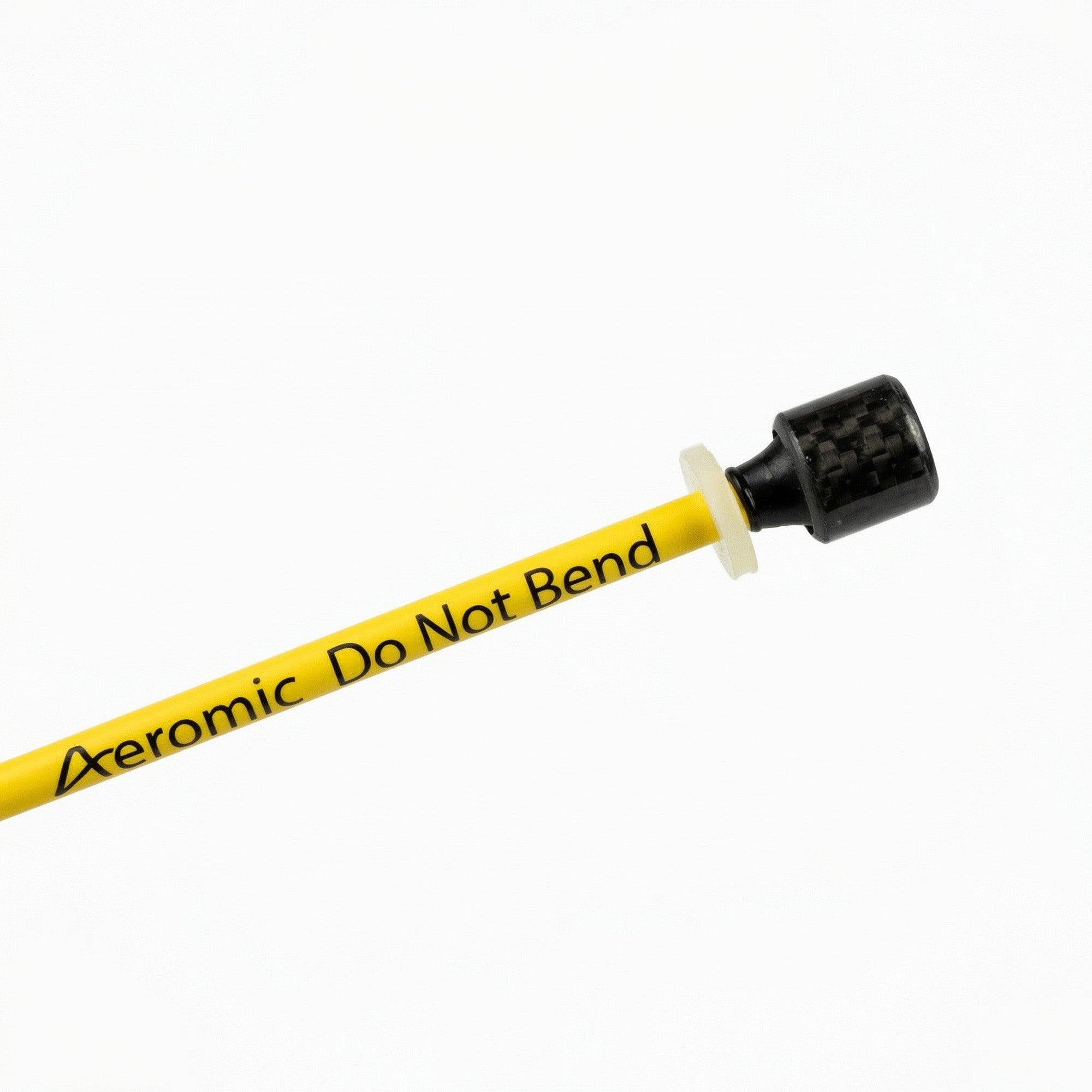
Clean the connector pins with contact cleaner (DeOxit or similar). Make sure the connector is fully seated in the transmitter — push it in and give it a slight twist. Check the transmitter battery. If the problem happens only in certain spots in the room, it's likely wireless interference, not a mic fault.
No sound at all
Confirm the transmitter is powered on and the battery isn't dead. Check that the receiver is on and the correct channel is selected. Check the mixer input — is the mic channel turned up? Try a known-good cable or mic to isolate whether the issue is the headset, the transmitter, or the mixer.
Audio drops out when I move
This is usually a loose connector or a wireless signal issue. Reseat the connector firmly. Make sure nothing is blocking line-of-sight between the transmitter and receiver. If you're in a multi-room facility, check that adjacent rooms aren't on the same frequency.
Transmitter gets warm during class
Normal under heavy use, especially in hot studios. The neoprene Pouchbelt acts as a barrier between the warm transmitter and your skin. If the transmitter is shutting off, the battery may be failing — try a fresh one.
My windscreen is discolored or smells
Replace it. Windscreens are consumable. Under heavy use, swap them every few weeks. Saturated windscreens hold moisture against the capsule and can cause audio issues. Spares are in the accessories section.
Feedback / squealing
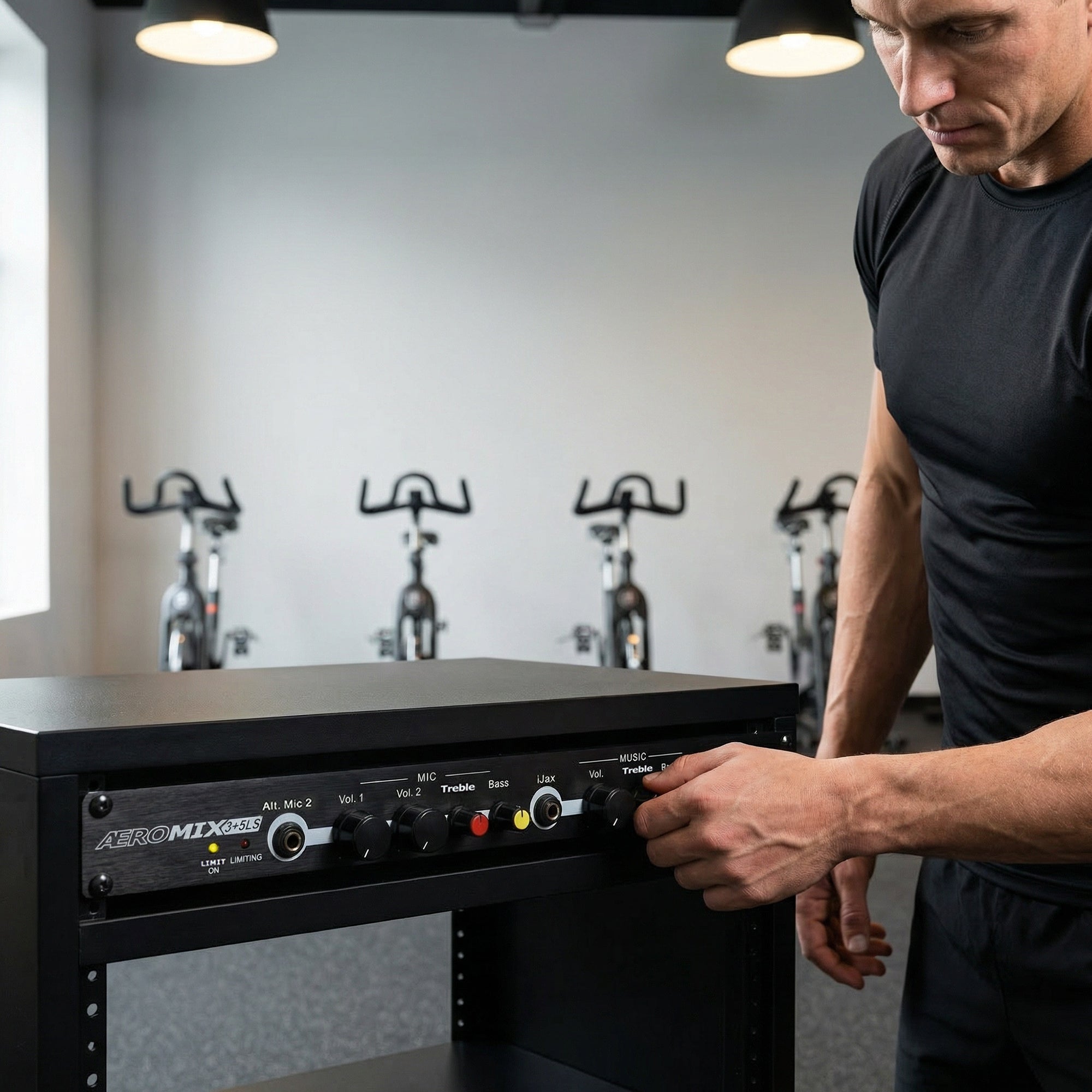
Move away from the speakers. Check that the mic EQ isn't boosting high frequencies too much. If using an Aeromix, reduce the treble on the voice channel. Make sure you're using the correct capsule sensitivity for your room — LS capsules handle more gain before feedback than standard capsules.