
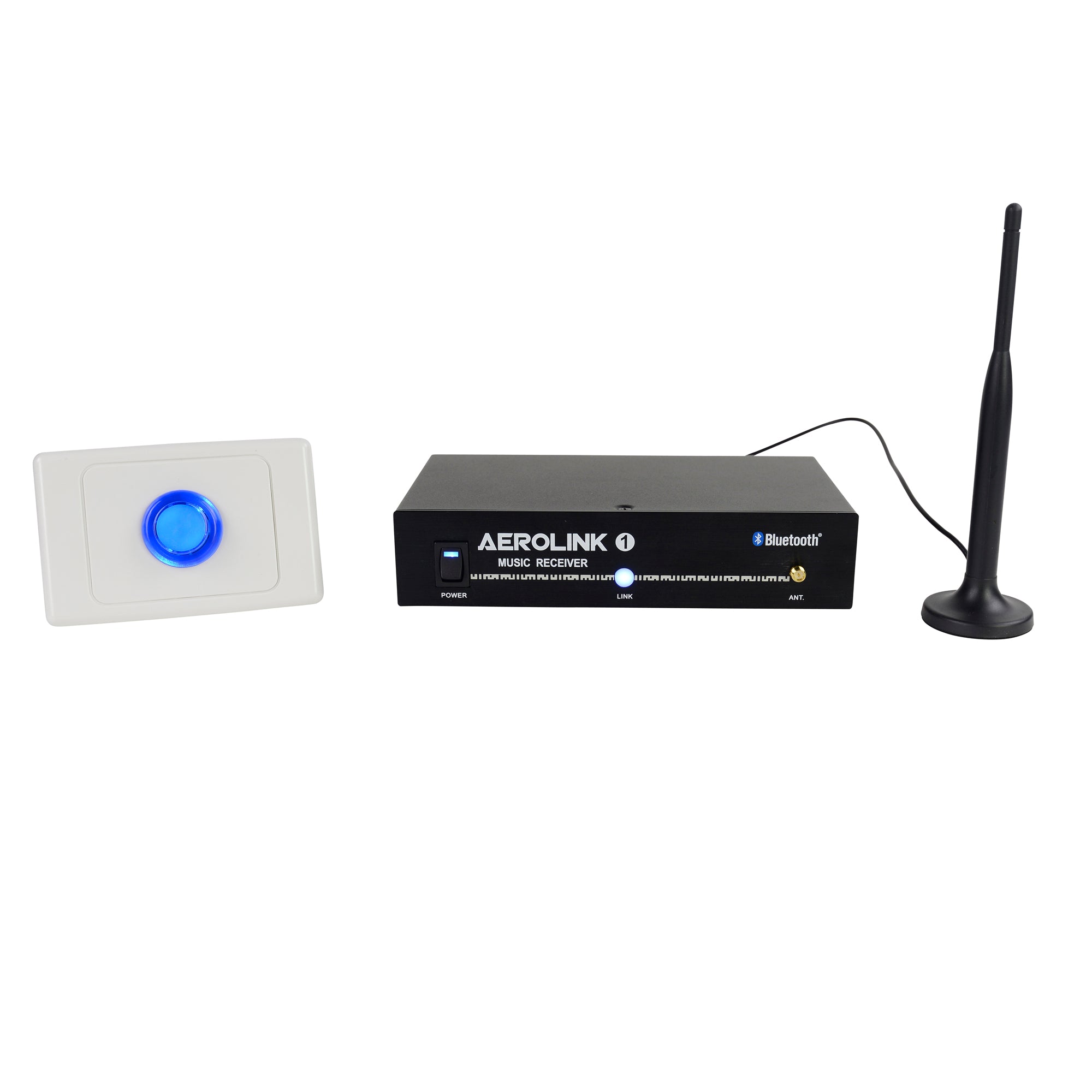
AeroLink
Professional Wireless Streaming. Zero Compromise.
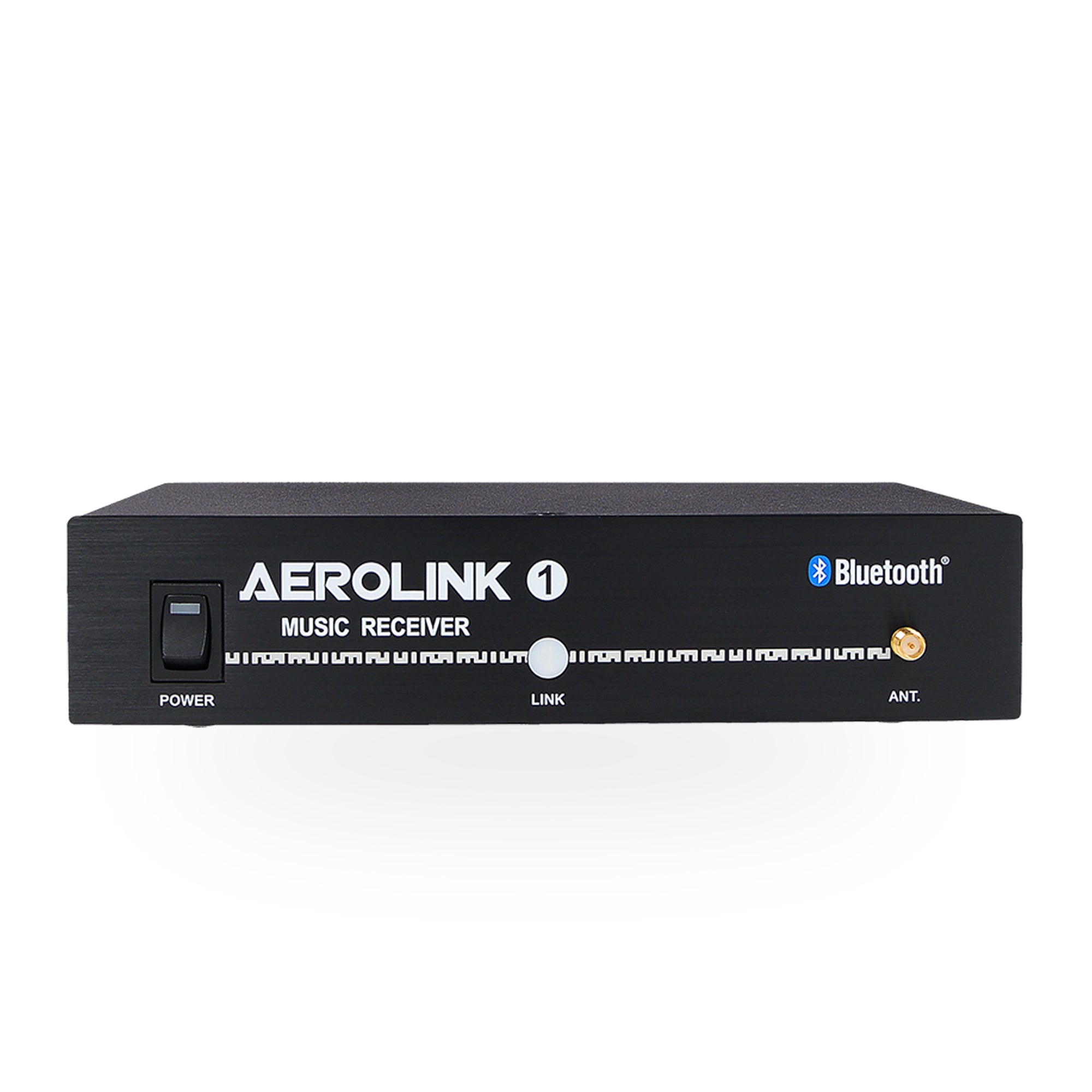
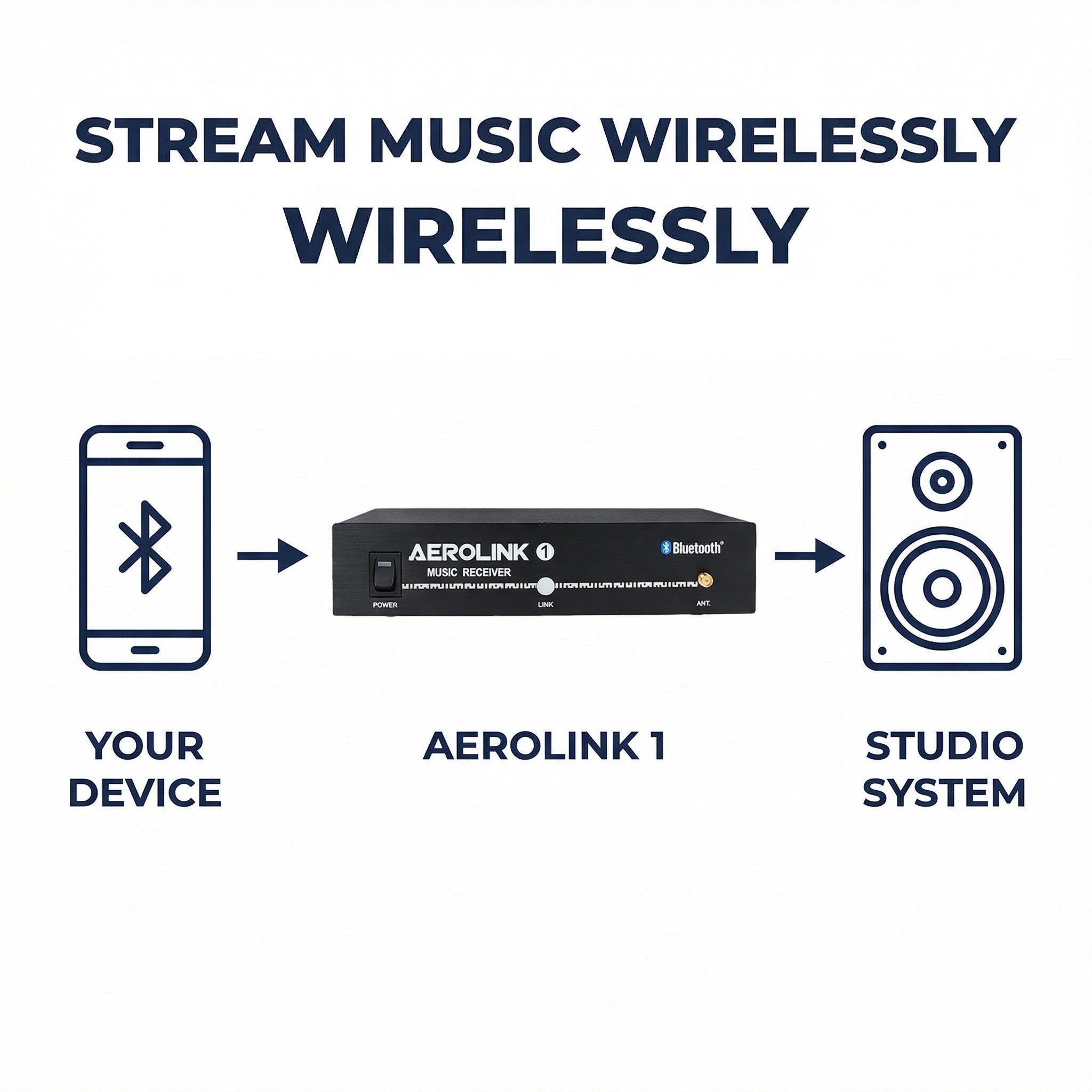
The AeroLink brings high-fidelity Bluetooth streaming to professional fitness sound systems. Designed for permanent rack installation, it allows instructors and members to wirelessly stream music from any Bluetooth-enabled phone, tablet, or laptop — without sacrificing audio quality.
Powered by Qualcomm® aptX™ technology, AeroLink delivers clean, detailed sound that rivals wired playback. A remote antenna ensures a stable connection up to 100 ft, even when installed inside equipment racks or closets.
With balanced and unbalanced professional outputs, one-touch pairing, and rack-mount integration, AeroLink is the clean, cable-free solution modern studios demand.
About the AeroLink
rofessional Bluetooth receiver with aptX codec, rack-mount install, and 5 unique IDs per facility. Replace the aux cable your instructors keep breaking with something that stays in the rack and works every time.
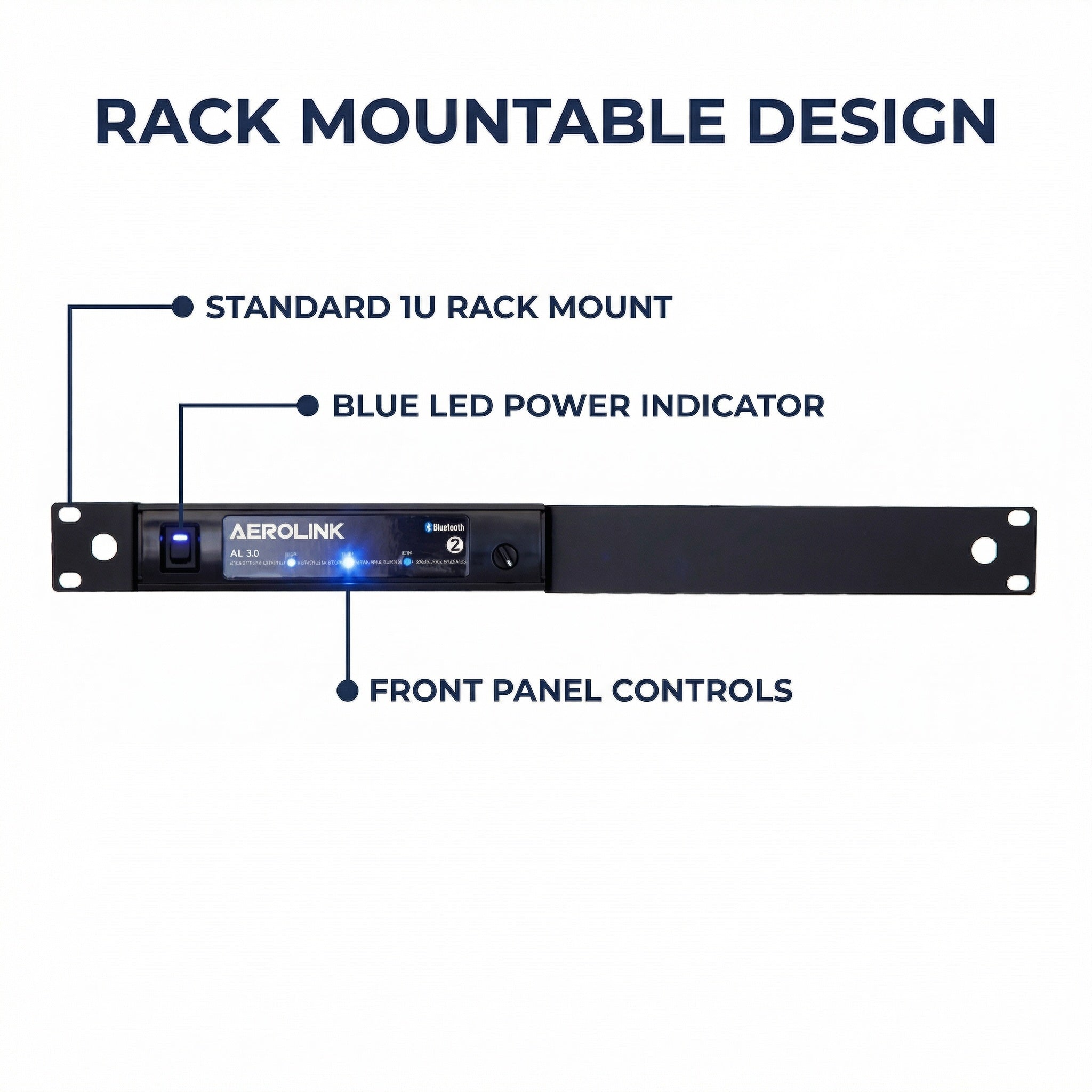
19" rack-mount kit included
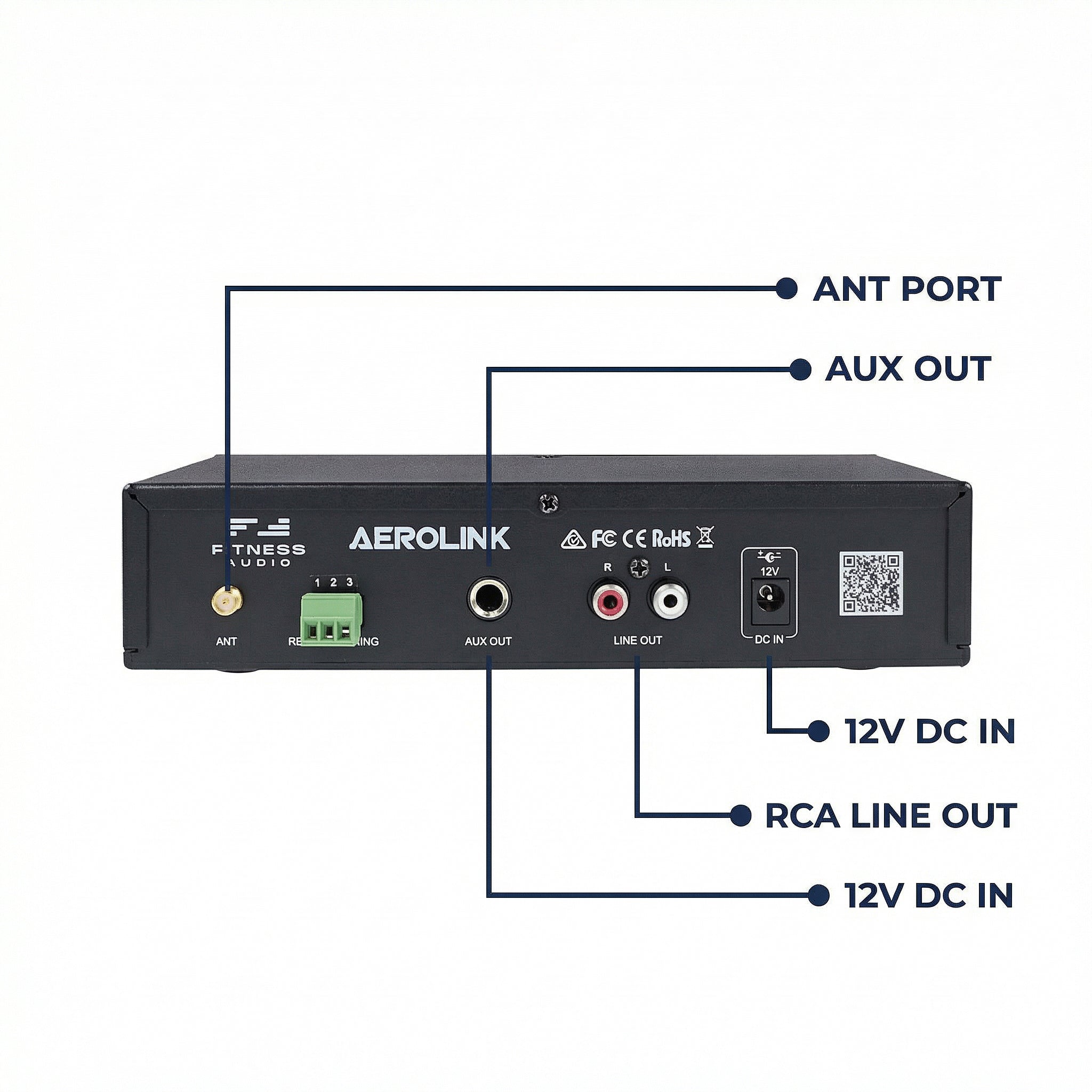
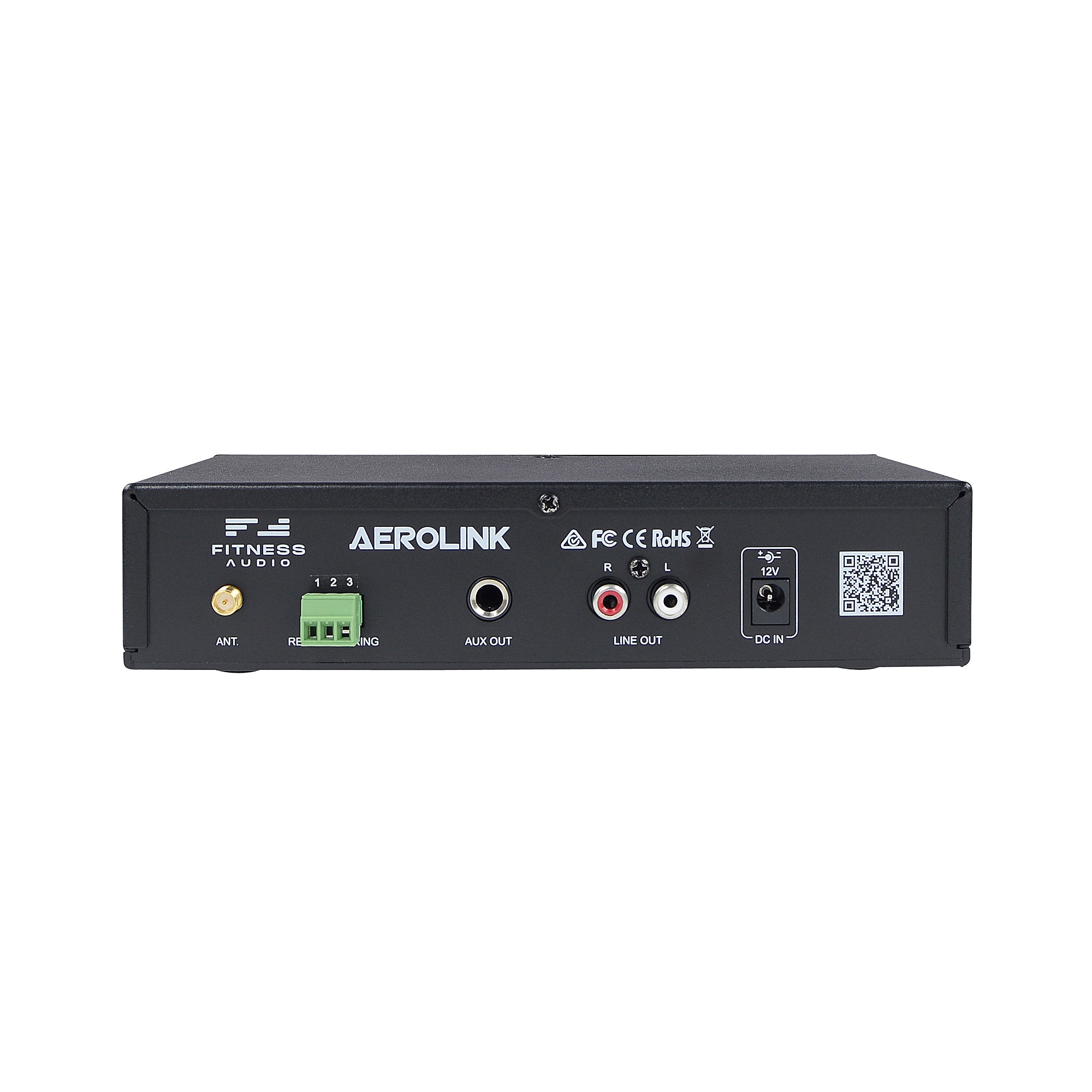
Stereo RCA + balanced mono 1/4"
Qualcomm aptX
100 ft / 30m
5 unique IDs — no pairing confusion
Bluetooth handshake — once paired, no one can cut in
Optional wall plate kit via CAT6 for back-room installs
Removable, front or rear mount, magnetic extension available
Permanent fitness studio installation
12 months


Pair. Play. Teach. That's it.
How it works

Unboxing & Setup Video
FAQ
Use this text to share information about your product or shipping policies.
How do I connect the AeroLink to my sound system?
Same way you'd connect a CD player. Use the included RCA-to-RCA cable into any music/aux input on your mixer. If your mixer only has a mono input, use the balanced 1/4" jack output instead. Plug in DC power, screw on the antenna, and it's installed. Takes about 5 minutes.
How do instructors pair to it?
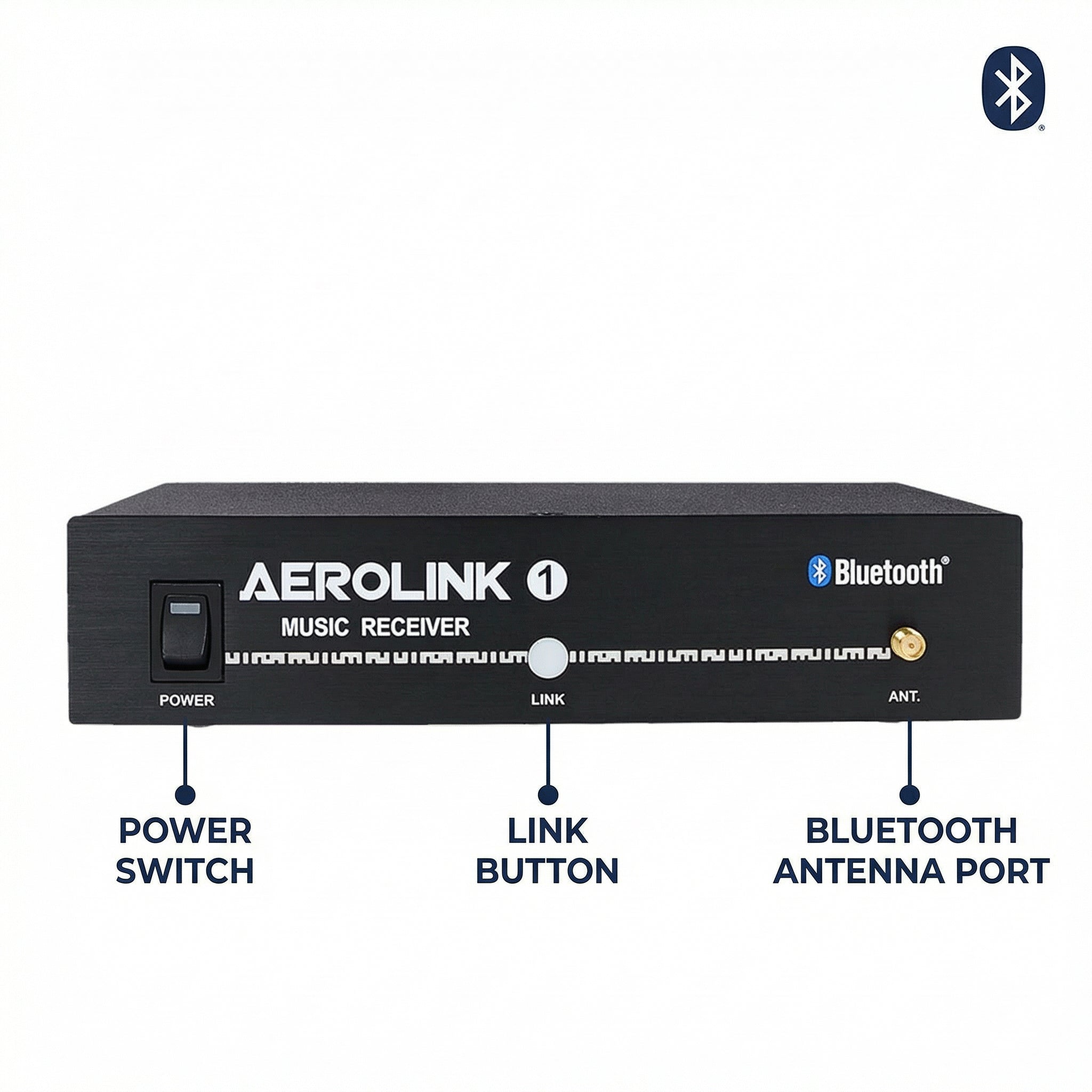
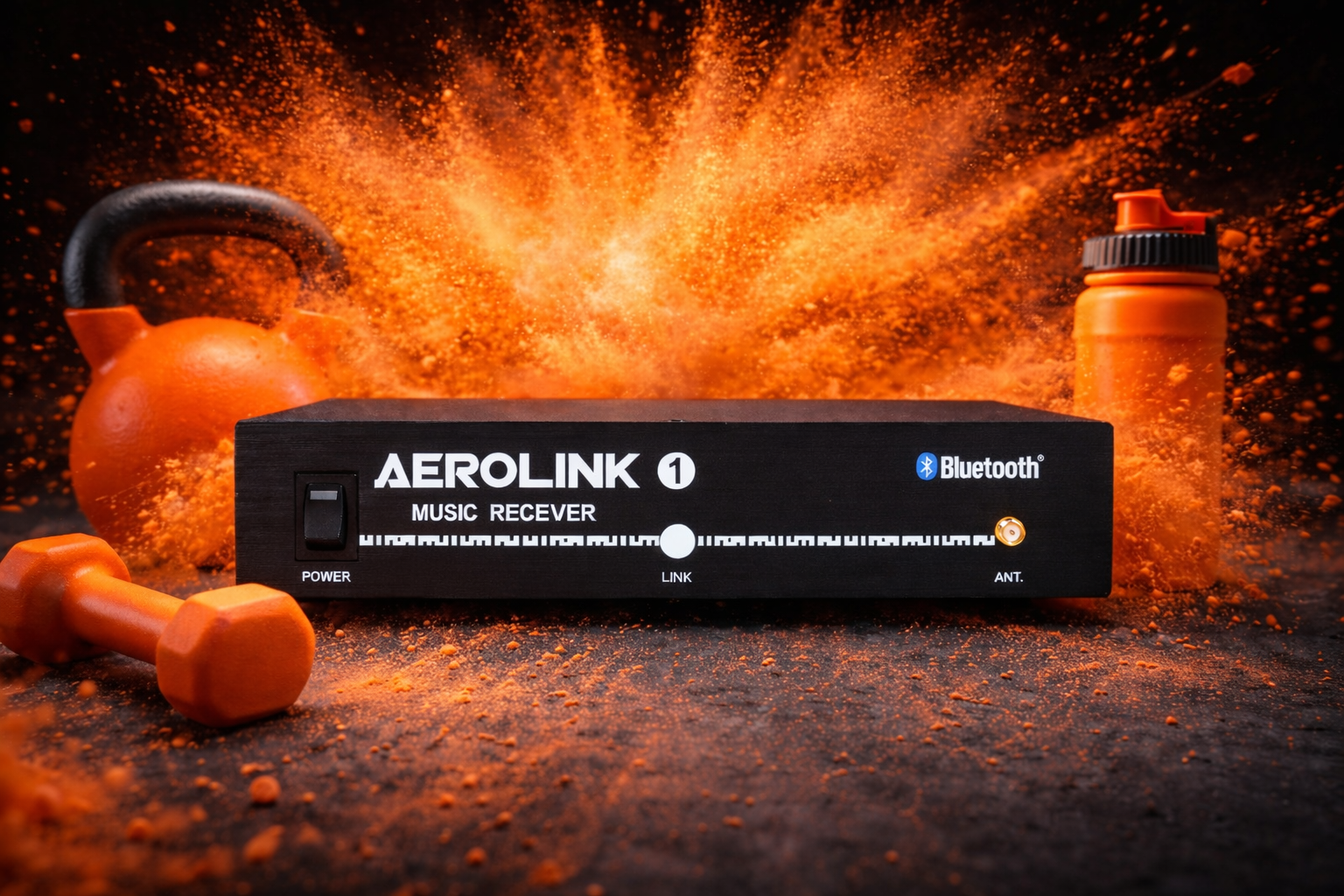
Press the blue button on the front of the AeroLink. Open Bluetooth settings on the phone. Tap "AEROLINK1" (or 2, 3, 4, 5 depending on which unit). Once it shows "Connected," switch to their music app and press play. Done.
Can someone else's phone hijack the connection mid-class?
No. Bluetooth uses a handshake protocol — once a device is paired to the AeroLink, another device cannot cut in until the AeroLink or the paired device releases the link. No interruptions from other phones, tablets, or laptops in the room.
We have multiple studios. How do we avoid pairing confusion?
Each AeroLink has a unique ID (1 through 5). Room 1 gets AEROLINK1, Room 2 gets AEROLINK2, and so on. Instructors see the correct room name in their Bluetooth list and tap the right one. Up to 5 units per facility with zero overlap.
What's the range?
100 feet / 30 meters with line of sight to the paired device. If the AeroLink is racked inside a metal cabinet, use the optional magnetic extension antenna on top of the rack for best range. Keep the antenna in line of sight with the studio floor.
Can I hide the rack in a back room?
Yes. The optional Remote Pairing Kit runs a CAT6 cable from the AeroLink to a wall plate with a blue pairing button. Mount the wall plate in the studio and instructors press that button to pair instead of reaching into the equipment closet.
What audio quality does it output?
Qualcomm aptX codec. Noticeably better than standard Bluetooth SBC. For best results, tell instructors to set their phone's EQ to flat — the mixer handles tone shaping, not the phone.
Can I power it from my existing equipment?
Yes. The AeroLink runs on 12V DC. You can split power from a Fitness Audio wireless mic receiver using the included Y-splitter cable instead of using a separate AC adapter. One less plug in the rack.
Is the antenna required?
The AeroLink works without the external antenna at shorter ranges, but for reliable 100-foot coverage in a fitness studio with bodies and walls, use the antenna. It screws onto the front or rear panel depending on your rack setup. The optional magnetic base antenna sits on top of a metal rack for the cleanest installation.
What's included in the box?
AeroLink AL 3.0 unit, 19" rack-mount kit, external antenna, dual RCA-to-RCA cable, DC power adapter (or Y-splitter depending on market), and documentation. The Remote Pairing Kit and magnetic extension antenna are sold separately.
Does it work with Spotify, Apple Music, YouTube, etc.?
Yes. Anything that plays audio on your phone, tablet, or computer streams through the AeroLink. Spotify, Apple Music, YouTube, SoundCloud, Mixcloud, playlists, podcasts — whatever the instructor uses for class.